Learn Office step by step.
No jargon. No assumptions. Just clear, plain-English guides for people who want to get their work done — not become computer experts.
Built for people who were never shown how.
Learn Office is for students, professionals, parents, doctors — anyone who needs to use Microsoft Office but was never given a patient, plain-English introduction. You do not need to be "good at computers" to start here.
Lessons that show you exactly where to click.
Short modules
Each lesson covers one button or one task, and takes about two minutes. Nothing is bundled together to save time.
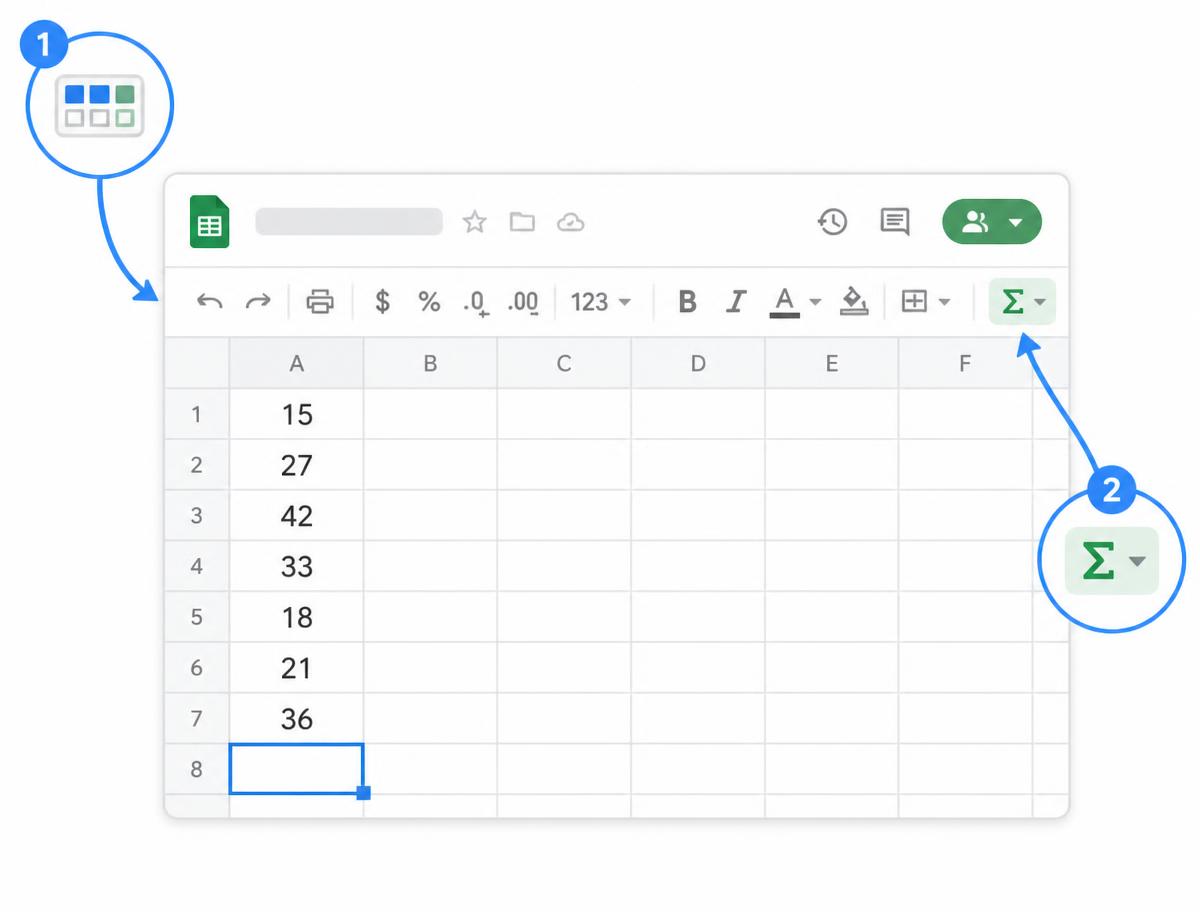
We show you where to click
Every step is paired with a picture of the actual screen, with the exact button circled. No guessing which menu we mean.
Plain English, always
We say "the empty box below your numbers", not "the active cell reference". Any unavoidable term gets explained on the spot.
Every tool, explained simply.
Pick a program below to explore its lessons. Each module breaks the app into small, practical tasks.